








![[EXCLUSIVE] Dragon’s Dogma 2: Dark Arisen Team Opens Up About the Expansion’s Name, New Norgan Region, and Performance Goals](https://cdn.gamerbraves.com/2026/07/Dragons-Dogma-2-Dark-Arisen_Interview_FI-360x180.jpg)





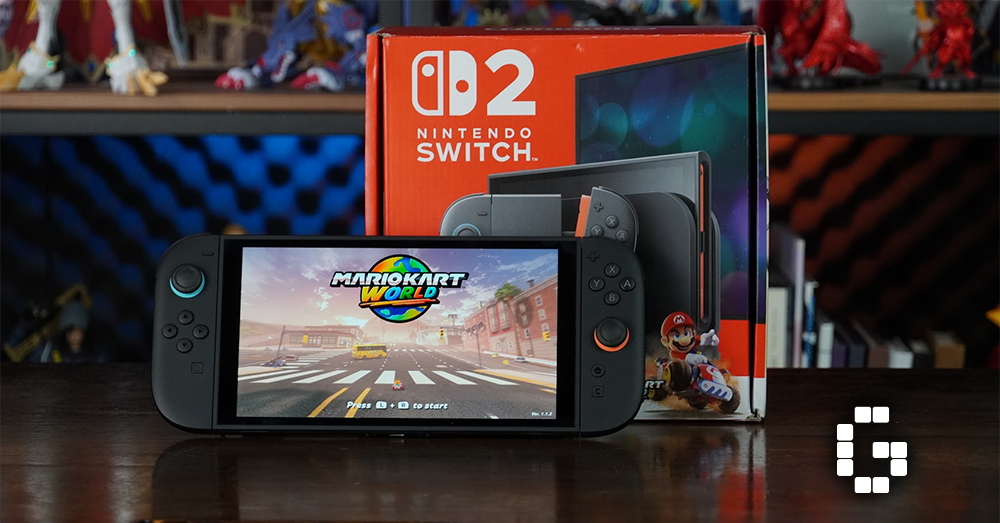
Nintendo’s follow-up to their massively successful Switch console has finally arrived, and it’s exactly what you’d expect—and that’s not a bad thing. The Nintendo Switch 2 doesn’t try to reinvent the wheel, but instead takes everything that made the original great and makes it better. In this review of the Nintendo Swtich 2, we’ll break down everything from the improved hardware and new Joy-Con controllers to performance upgrades and battery life, helping you decide if this upgrade is worth your money.
Design and Build Quality
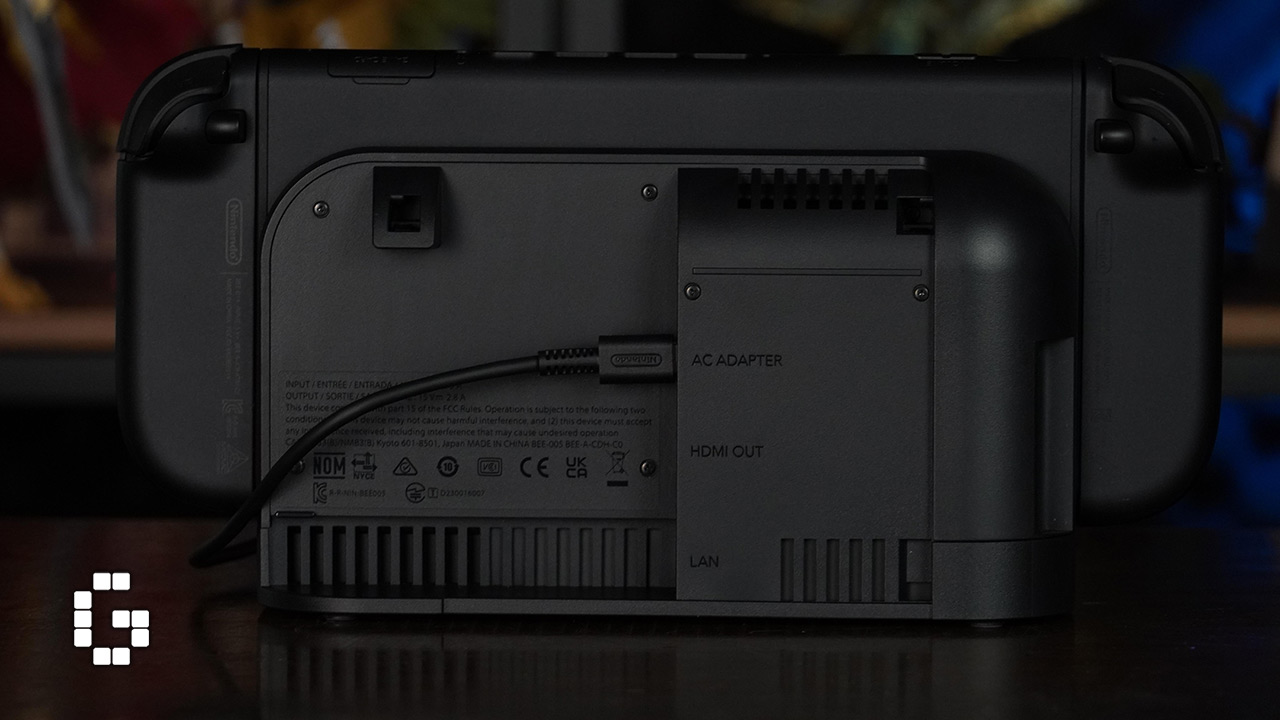
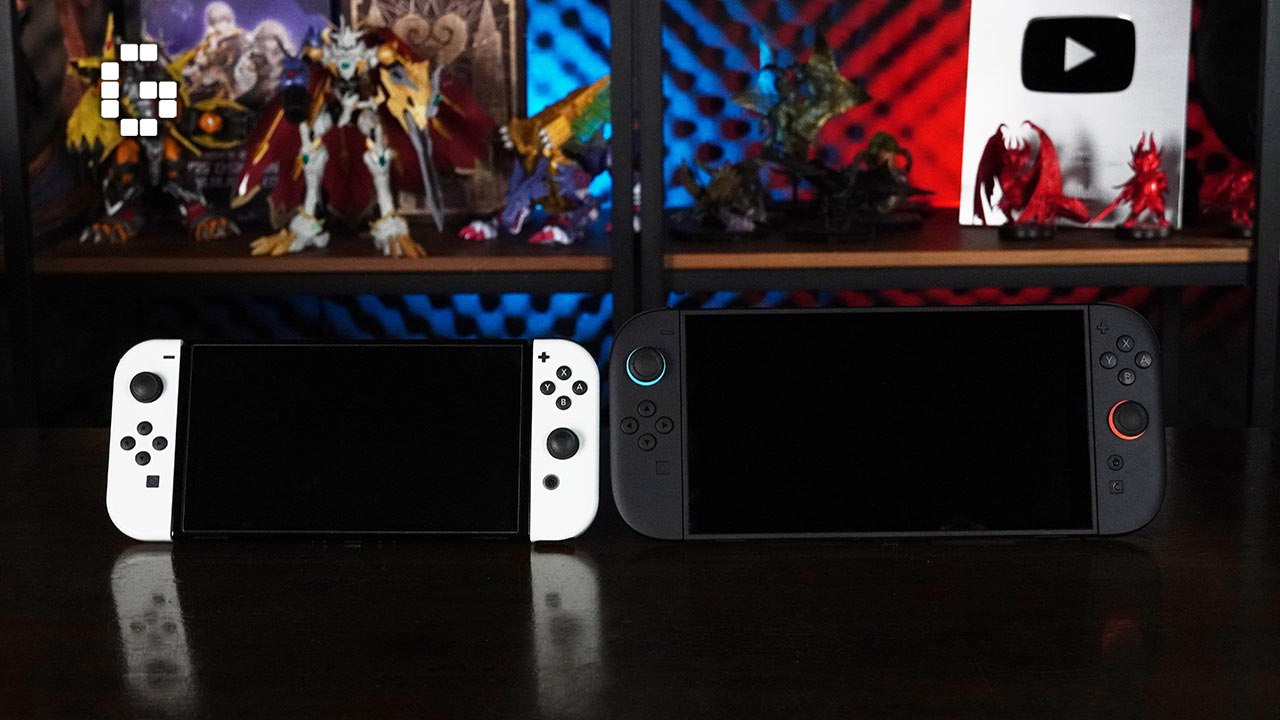
The Nintendo Switch 2 looks familiar at first glance, but the improvements become clear once you pick it up. The most obvious change is the new matte black finish that feels less plastic-like and gives the console a more premium feel. It’s slightly heavier than the OLED Switch at 401g, but this actually makes it feel more solid rather than tiring to hold.

The screen has grown to 7.9 inches, making handheld gaming much more enjoyable. The improved kickstand is another standout feature—it’s sturdy, holds its position well, and doesn’t wobble like the original. Whether you’re playing on a table or airplane tray, it feels like a proper built-in stand rather than an afterthought.

Button placement stays mostly the same, which is great for existing Switch owners. The volume and power buttons have a more tactile press, and the top vents have been redesigned to push hot air away from your fingers during longer gaming sessions. Small touches like the new rubberized flap on the cartridge slot make the overall experience feel more refined.
Joy-Con 2 Controllers
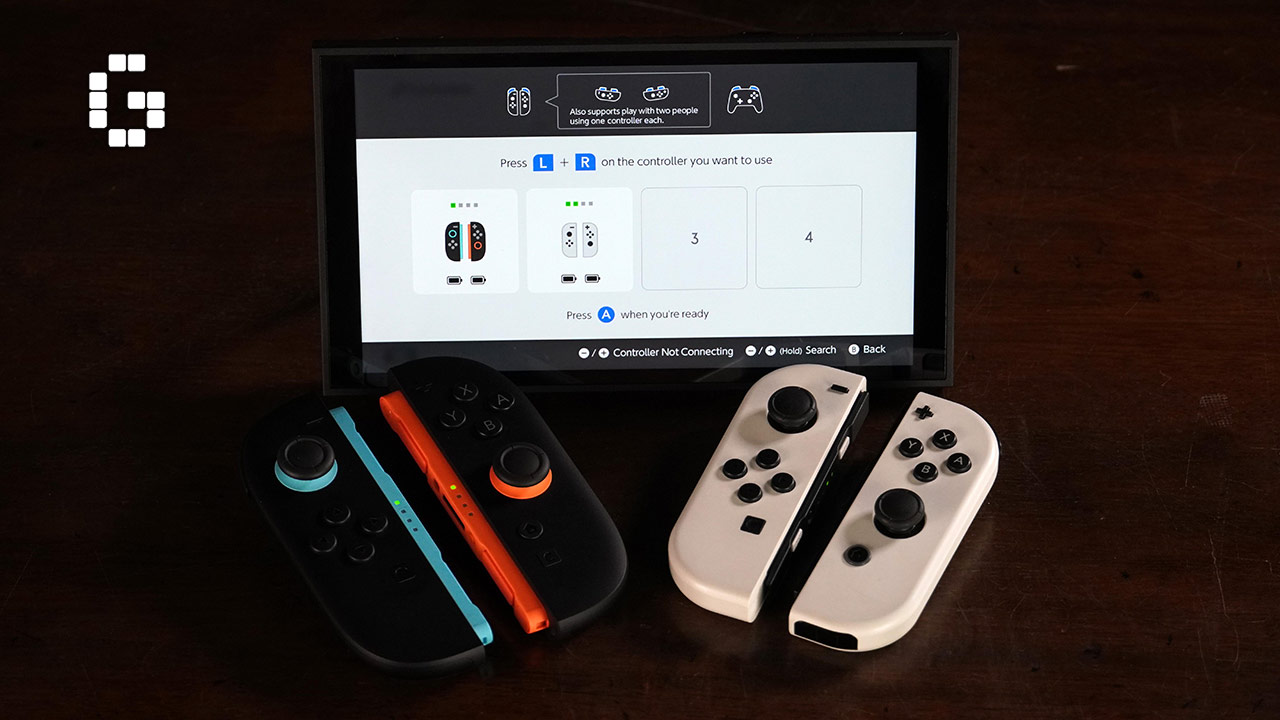
The new Joy-Con 2 controllers represent a significant upgrade over the originals. The ergonomics have been tweaked with more pronounced curves and a soft-touch finish on the back that provides better grip without feeling rubbery. The biggest change is the magnetic attachment system, which replaces the physical rail system from the original Switch.
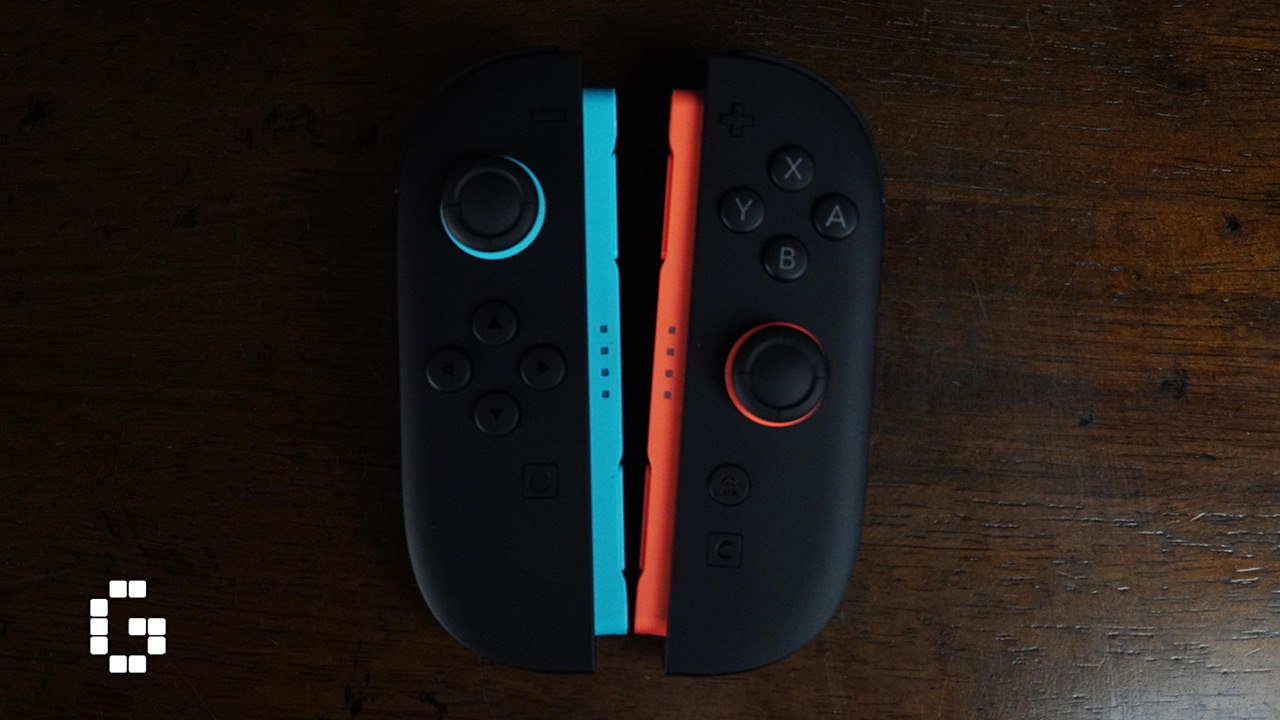
The magnetic system works beautifully—controllers snap into place with a satisfying click and stay secure thanks to internal magnets. To remove them, you press a release button on the back and a small pin pushes the controller off. This fixes many issues with the old rail system, including loose connections and wobbly controllers.
The buttons and analog sticks have also been improved. Face buttons are clicky and responsive, while the sticks feel smooth and consistent with no weird dead zones. The shoulder buttons are less mushy and more tactile, with a slight angle adjustment that makes them easier to press in handheld mode.
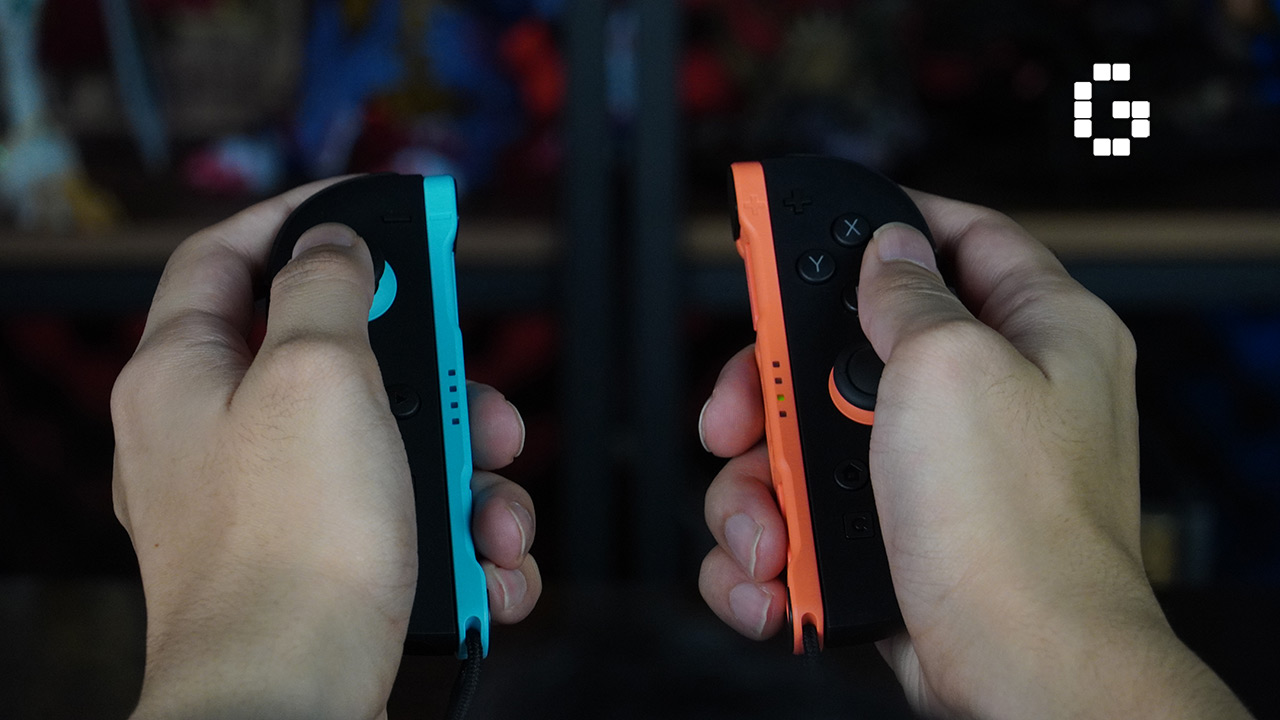
Your old Joy-Con controllers still work with the Switch 2, though you’ll need to charge them separately. This means you don’t have to throw away special edition controllers or extra pairs you already own.
Mouse Mode: A New Way to Play
One of the most interesting new features is Mouse Mode, which lets you use one or both Joy-Con 2 controllers like a computer mouse. Simply flip them sideways and glide them across a surface to control a cursor. This works on most surfaces like wood, cloth, or your desk, though glass surfaces can cause tracking issues.
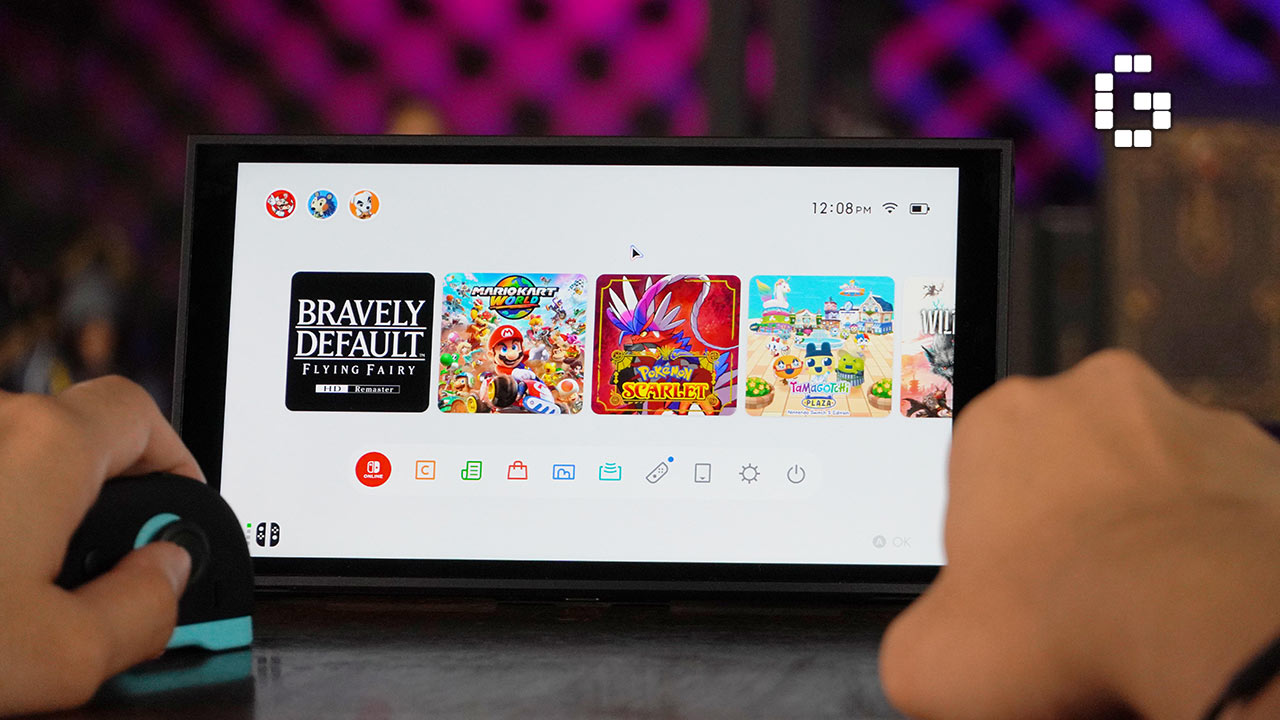
The feature activates automatically when you detach both Joy-Con and orient them correctly. Browsing the eShop becomes much easier with drag-style scrolling, feeling more like shopping on a PC than navigating with joysticks.
Some games are already taking advantage of Mouse Mode. BRAVELY DEFAULT FLYING FAIRY HD Remaster includes two new minigames designed specifically for this feature—a rhythm game similar to arcade-style rhythm games and a multi-tasker minigame where you control an airship.
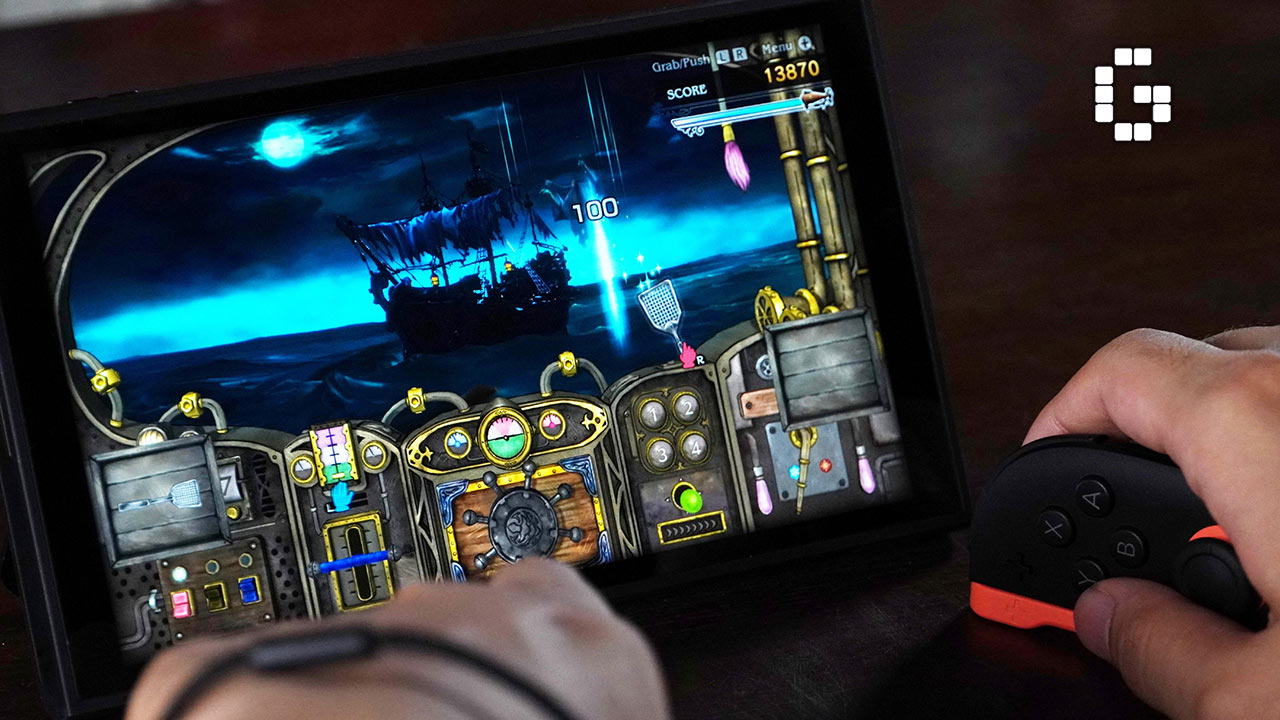
While Mouse Mode works well for these specific uses, the Joy-Con controllers aren’t ergonomic enough for extended mouse use. Your hand might start feeling fatigue after prolonged use due to the lack of proper palm support. It’s not exactly a gimmick, but it’s not a full replacement for a proper mouse either.
Performance Improvements
This is where the Nintendo Switch 2 really shines. While Nintendo hasn’t positioned this as a powerhouse console like the PS5 or Xbox Series X, the performance improvements are both noticeable and meaningful. The custom NVIDIA chip with DLSS upscaling makes everything feel more responsive.
Load times are significantly faster thanks to the new UFS 3.1 internal storage, replacing the slower eMMC storage from the original Switch. For example, Xenoblade Chronicles X loads in 13 seconds on the Switch 2 compared to 17 seconds on the OLED Switch. System navigation, booting up, and jumping into games from sleep mode all happen much quicker.

The improved cooling system with a new fan design and better heatdissipation keeps the system cooler and quieter, even in docked mode. The internal speakers have also been upgraded, providing clearer and louder sound in handheld mode with better stereo separation.
Backwards Compatibility
Nintendo has done an excellent job with backwards compatibility on the Switch 2. Almost all your existing games work, and in most cases, they work even better. Physical cartridges can be inserted directly, while digital games can be re-downloaded easily through the slightly cleaned-up eShop.
Nintendo provides a migration tool during setup that transfers your digital games, save data, and preferences from your old Switch. This makes the Switch 2 feel like an expansion of your original setup rather than starting from scratch.
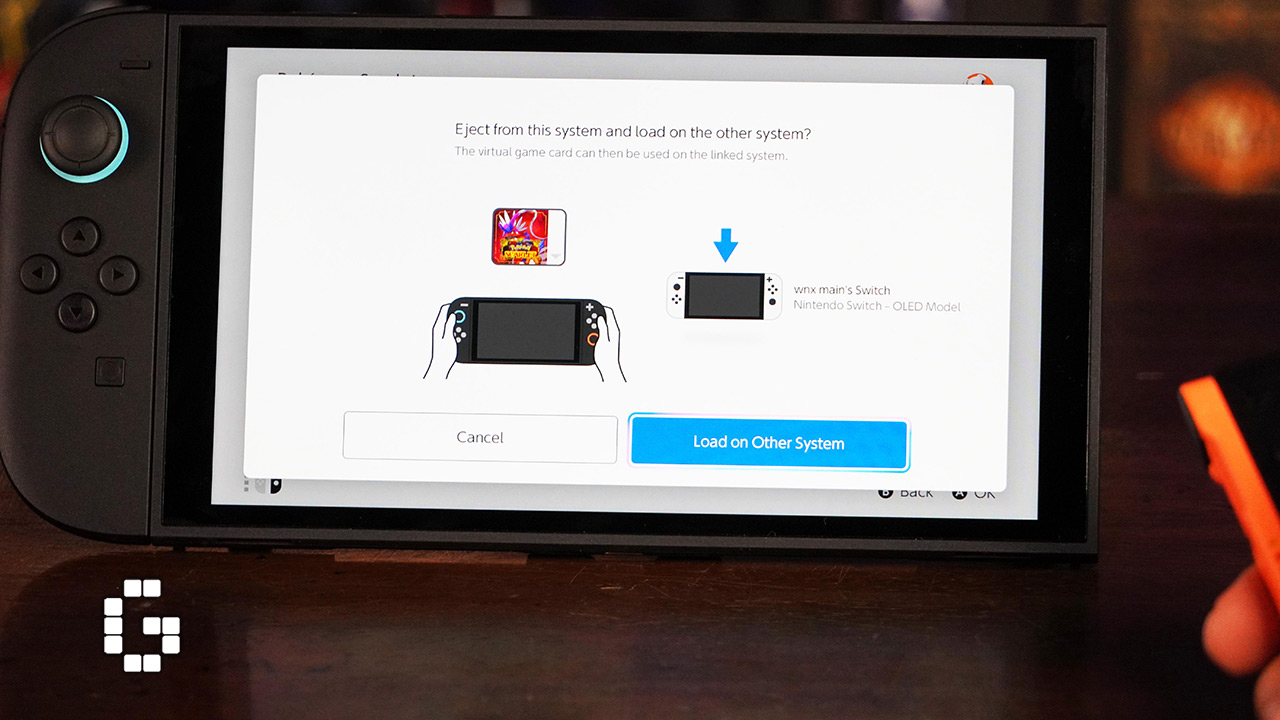
Most games benefit from the hardware boost automatically, with quicker load times, more stable frame rates, and sharper textures. Games that struggled on the original Switch, like Pokémon Scarlet and Violet, now run much better with smoother frame rates and reduced loading times.
Pokémon Scarlet and Violet: A Performance Case Study
Pokémon Scarlet and Violet were notorious for poor performance on the original Switch, running at 30 FPS and sometimes dropping to 20 FPS during exploration. On the Switch 2, the game now runs at a mostly smooth 60 FPS in handheld mode, with only occasional dips during open-world exploration.
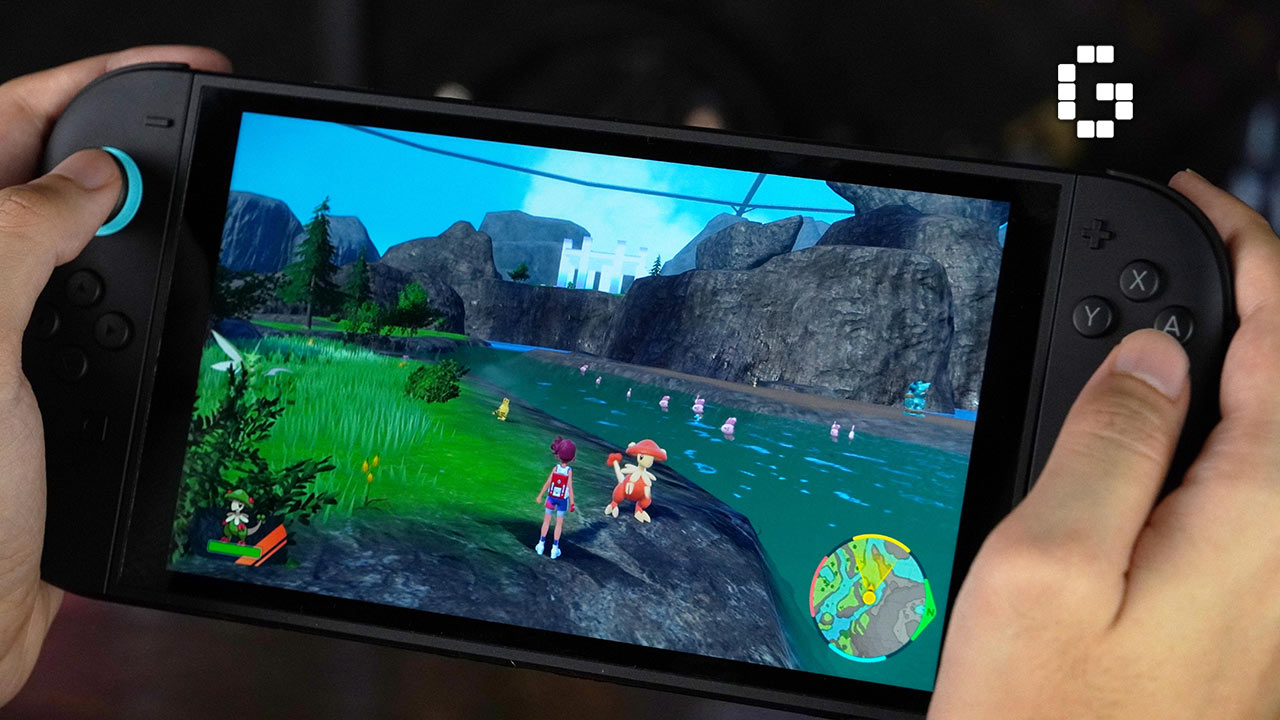
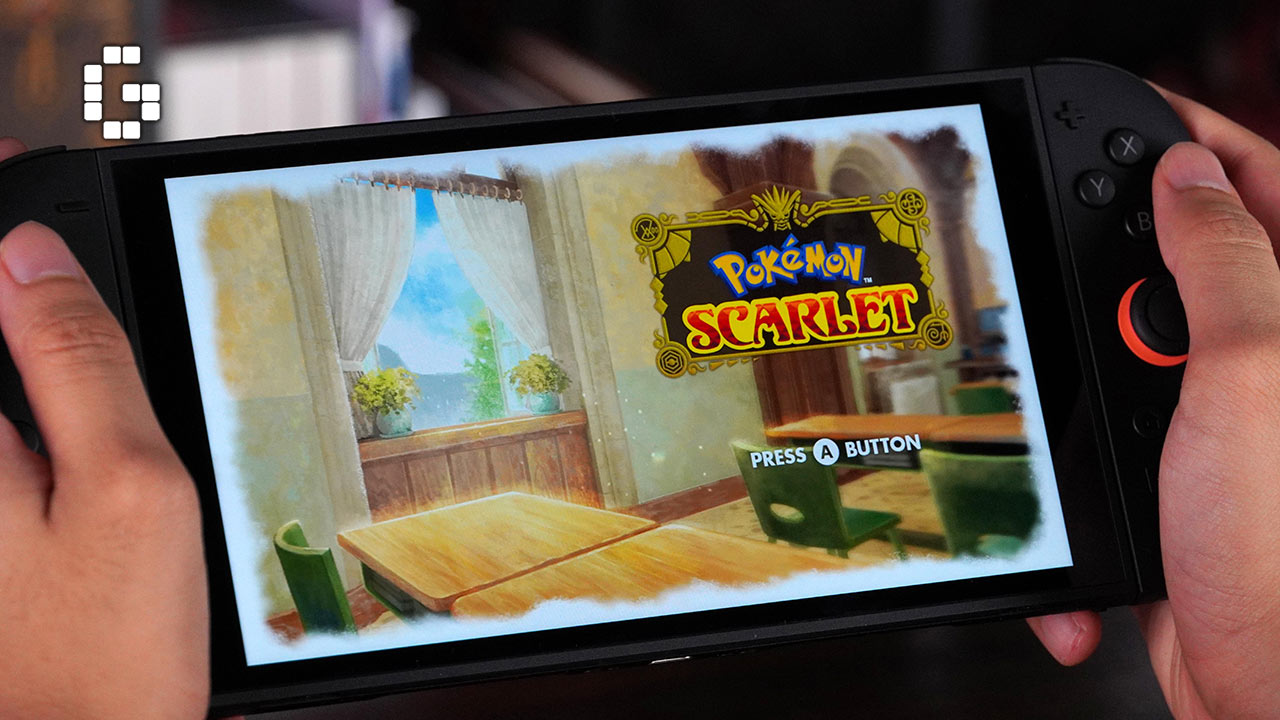
Loading times are noticeably faster, and the annoying pokeball lag is practically gone. Character models and Pokémon now have better anti-aliasing and smoother outlines, with jagged edges significantly reduced thanks to higher resolution and DLSS upscaling. The improvements are so significant that speedrunners have achieved times 30 minutes faster on the Switch 2.
Battery Life Concerns
Unfortunately, battery life is one area where the Switch 2 takes a step back. Despite having a larger 5220 mAh battery, the increased power consumption means shorter gaming sessions compared to the original Switch. Nintendo quotes 2 to 6.5 hours of playtime, which is lower than the OLED model’s 4.5 to 9 hours.
In practice, you can expect around three hours with demanding games and maybe five hours maximum with less demanding titles. Even idling on the home screen seems to drain the battery more quickly than it should. This is definitely the Switch 2’s biggest weakness.
Should You Upgrade?
If you’re coming from the original 2017 Switch, the upgrade to the Switch 2 feels substantial. Almost everything is better—stronger build quality, bigger and brighter screen, more comfortable and secure Joy-Con controllers, and noticeably better performance. For players who’ve stuck with the launch model for years, it’s a real leap forward.
For Switch OLED owners, the decision is tougher. The OLED model still has excellent display quality and better battery life. However, the Switch 2’s faster performance, magnetic Joy-Con system, improved speakers, and quality-of-life improvements like the better kickstand and heat management still make it an appealing upgrade.
The decision ultimately depends on how you use your Switch. Casual players who mainly enjoy indie games and less demanding titles might be fine staying with their current console. But for those who play big first-party games regularly or want the fastest, most responsive Switch experience available, the Switch 2 is a clear step forward.
While the Switch 2’s launch lineup isn’t packed with must-have exclusives, several upcoming games promise to showcase the system’s capabilities. Metroid Prime 4: Beyond is expected to make use of Mouse Mode for more precise aiming, while Pokémon Legends: Z-A promises a more ambitious open-world design that would have struggled on older hardware. FromSoftware is also bringing ELDEN RING: Tarnished Edition and The Duskbloods to the platform.
Final Verdict
The Nintendo Switch 2 delivers exactly what Nintendo promised—a faster, better version of the same concept that made the original Switch so successful. It feels like a modern handheld console that finally meets expectations with improved build quality, faster load times, and smoother performance while maintaining that distinctive Nintendo charm.
The shorter battery life compared to the OLED model is disappointing, and the lack of Hall Effect sticks to eliminate stick drift feels like a missed opportunity. However, these issues don’t overshadow the many improvements the Switch 2 brings to the table.

For newcomers to Nintendo’s ecosystem, this is definitely the best version to get. Existing Switch owners might not feel the upgrade is essential depending on their gaming habits, but when they do decide to make the jump, they’ll find it worthwhile. The Switch 2 isn’t here to surprise you—it’s here to remind you why Nintendo’s hybrid formula was brilliant in the first place, now executed better than ever.