











![[EXCLUSIVE] Dragon’s Dogma 2: Dark Arisen Team Opens Up About the Expansion’s Name, New Norgan Region, and Performance Goals](https://cdn.gamerbraves.com/2026/07/Dragons-Dogma-2-Dark-Arisen_Interview_FI-360x180.jpg)




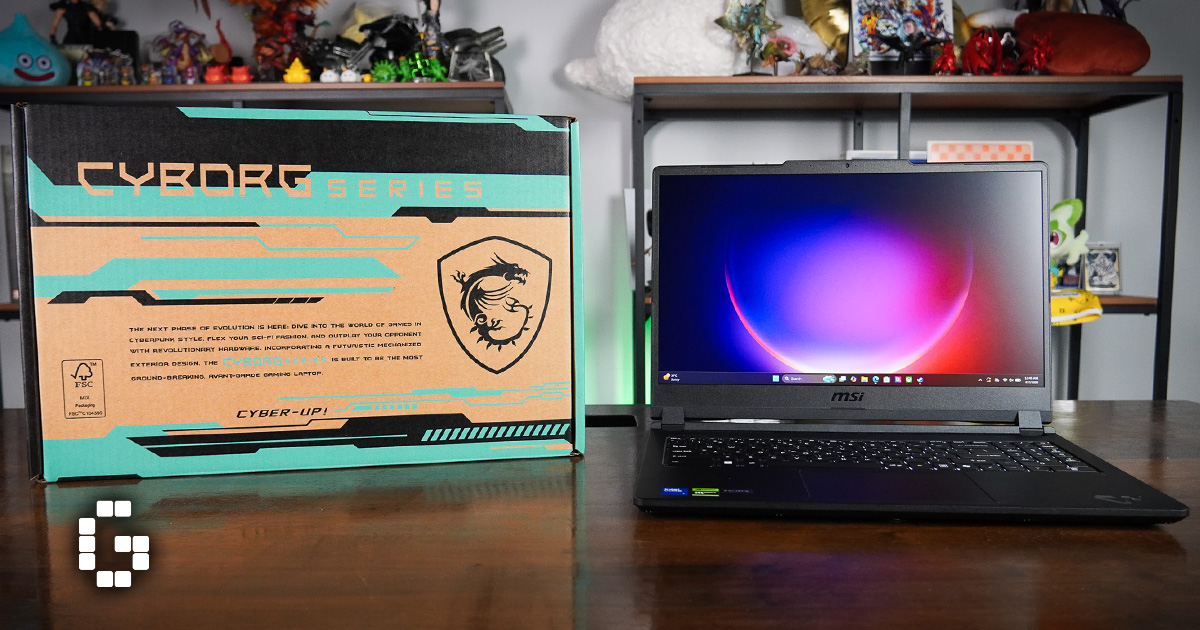
Gaming laptops have a reputation for being bulky and heavy, which makes them a hassle to carry around. The MSI CYBORG 15 MAX (C2WG) tries to break that mold by staying light while still packing serious hardware inside. We spent time putting it through gaming sessions, benchmark runs, and everyday use to see how it holds up in terms of performance, heat management, display quality, and battery life, and whether it’s worth the price tag MSI is asking for.
Design and Display
The standout feature of the CYBORG 15 MAX is how light it is. At just 2KG, it’s built for people who want to game on the go without lugging around a heavy machine. This makes it a solid pick for anyone who travels often or simply doesn’t want a laptop that feels like a brick in their bag.
The laptop runs on an Intel Core 7 240H 10-core processor paired with an RTX 5070 Laptop GPU that has 8GB of GDDR7 VRAM. It comes with 16GB of DDR5 5600MHz RAM and a 512GB NVMe SSD. Both the RAM and storage can be upgraded later, and there’s an extra NVMe SSD slot for anyone who needs more space down the line.
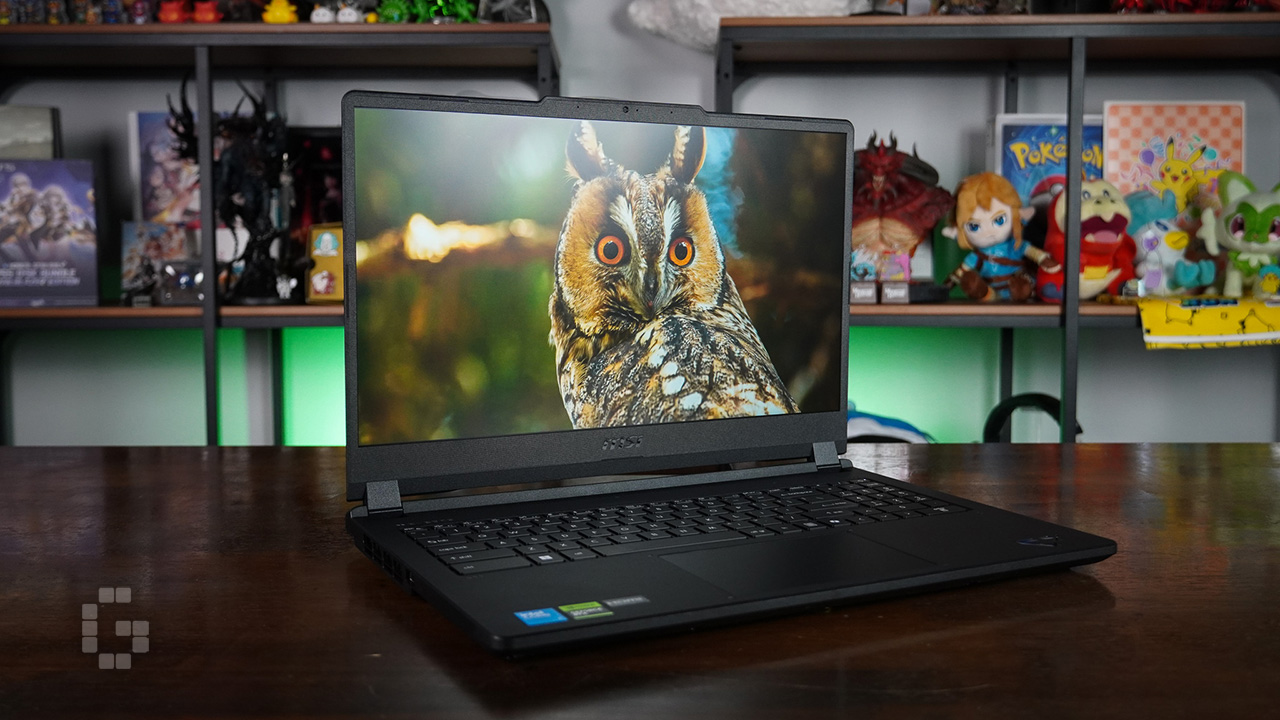
One of the bigger changes from the previous generation is how much power the CPU and GPU are allowed to draw. Laptop GPUs are usually held back to keep temperatures in check, but MSI redesigned the thermal system here, letting the CPU and GPU pull up to 140W combined. That extra headroom translates into better performance without the laptop overheating.
The laptop features a 15.6-inch 144Hz IPS-level display with 100% sRGB coverage. For gaming, the screen looks great, especially in titles like Cyberpunk 2077 where the neon lights and colorful environments really stand out. The 144Hz refresh rate also complements the RTX 5070’s performance well, particularly in competitive games like Apex Legends.
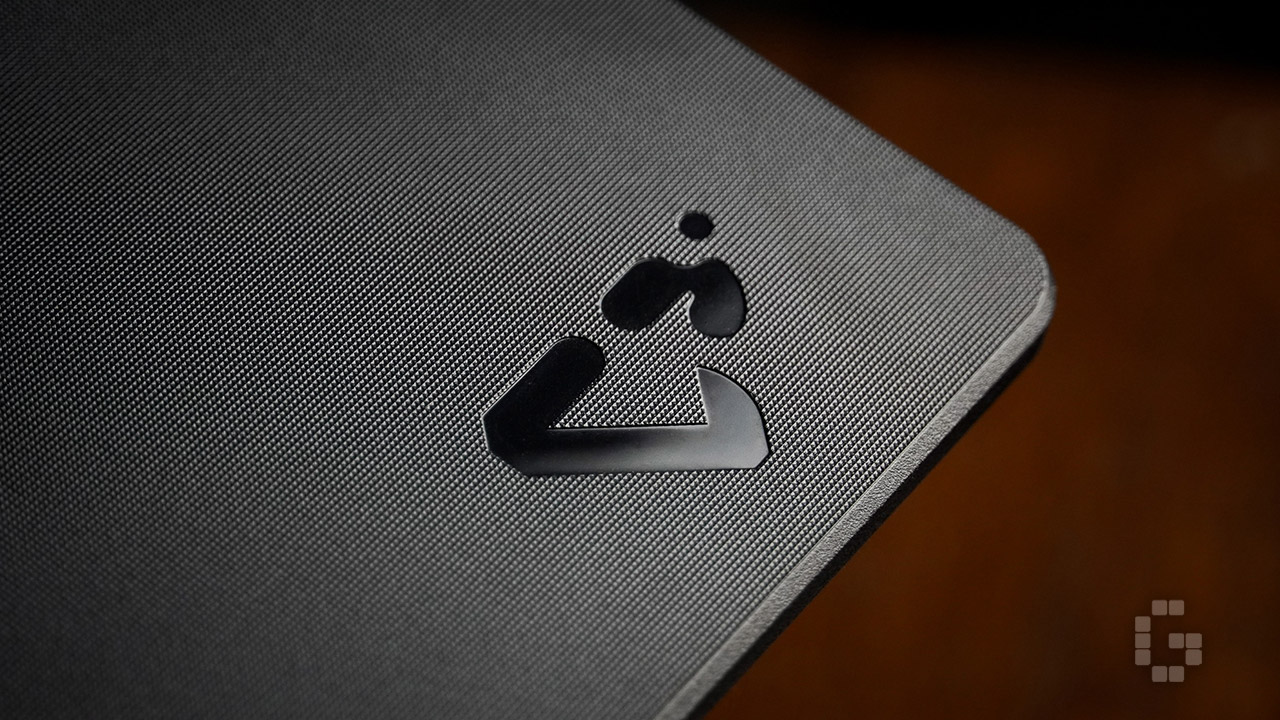
For anyone working in a creative field, the 100% sRGB coverage is a nice bonus. It means you might not need a separate machine just for color-accurate work, making the CYBORG 15 MAX useful for both gaming and productivity tasks.
Gaming Performance
To see how the CYBORG 15 MAX handles real games, we tested it playing Cyberpunk 2077, Stellar Blade, and Apex Legends.
In Cyberpunk 2077, running at 1080p on High settings with Ray Tracing turned on, the laptop averaged 80 to 85 FPS without Frame Generation. Crowded areas brought that down to around 70 FPS, while open areas pushed it up to about 104 FPS. Turning on 4x Multi Frame Generation raised the average significantly to around 180 FPS, with crowded areas dipping to 167 FPS and open areas reaching as high as 205 FPS. The catch with Multi Frame Generation is that it can add a bit of input latency. In this case, the difference wasn’t huge, but it’s still something to keep in mind if you’re sensitive to input delay.
Stellar Blade was tested on Very High settings with DLSS 4 enabled, averaging around 95 FPS and dropping to about 70 FPS during heavy combat. With Frame Generation turned on, the average jumped to around 170 FPS, though intense combat could bring it down to about 100 FPS. This is a game where the added latency is more noticeable, since precise parries and dodges matter a lot. The change isn’t massive, but you can feel a slight shift in timing when performing those moves. So while Frame Generation boosts the frame rate nicely, it’s worth thinking about for games that depend on quick, precise inputs.
Apex Legends ran smoothly, consistently hitting around 144 FPS, which matches the laptop’s 144Hz display. During intense team fights, it could occasionally drop to about 94 FPS, but overall it handled the competitive shooter well.
Benchmark Results
On the benchmark side, the CYBORG 15 MAX put up solid numbers. In 3DMark Steel Nomad, it scored 2,670 points on the GPU test. For the CPU Profile test, it hit 7,618 points in the Max Threads test, which is useful for productivity tasks like video editing and rendering, and 5,982 points in the 8 Threads test, which better reflects typical gaming workloads.
In Cinebench, the laptop scored 50,420 points on the GPU test. The CPU recorded 3,432 points in the Single Core test and 420 points in the Single Thread test.
Cooling and Battery Life
The cooling system got a notable upgrade this generation. The CYBORG 15 MAX now has two cooling fans that are 27% bigger than before, along with three optimized heat pipes. This setup lets the laptop handle up to 140W of combined CPU and GPU power while keeping fan noise relatively low.
During the Cyberpunk 2077 test with Ray Tracing on and the GPU under full load, temperatures stayed around 73°C to 76°C, which is a respectable number for a gaming laptop under heavy use. The CPU, under slightly less load, stayed in the 65°C to 69°C range.
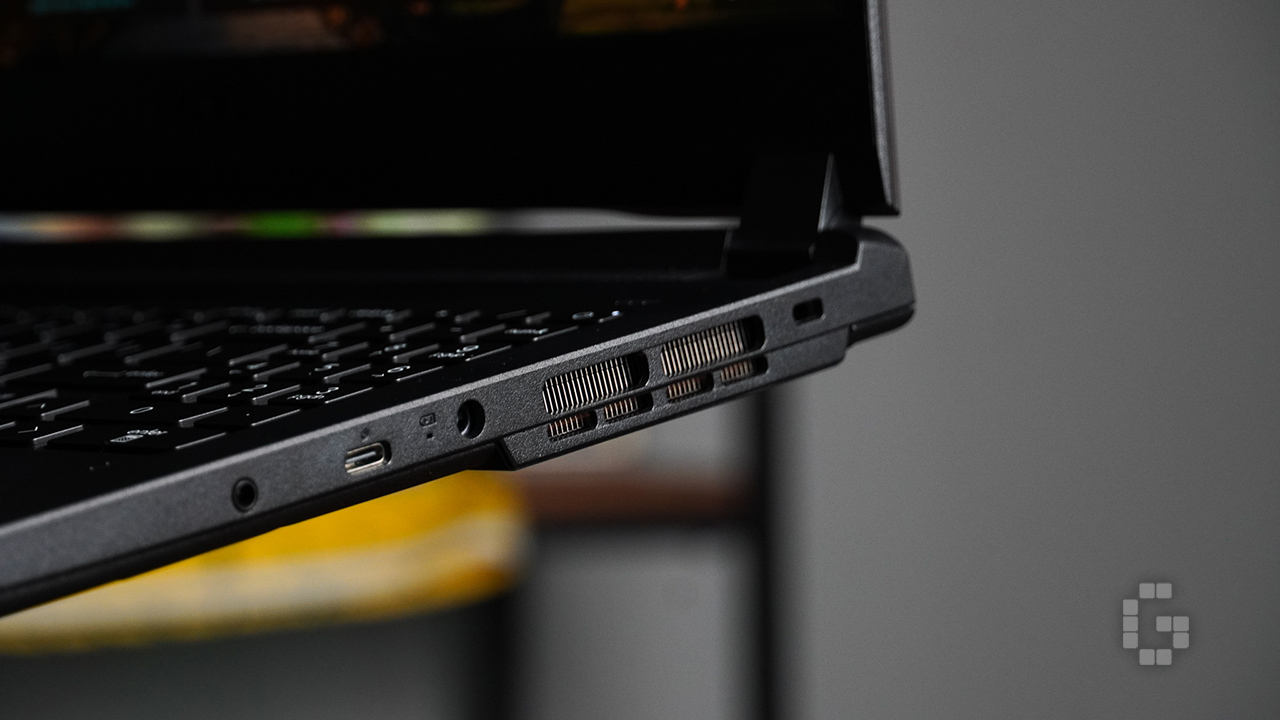
Battery life is where the CYBORG 15 MAX behaves like most gaming laptops. It comes with a 60Wh battery, which gives you a few hours of use depending on what you’re doing. Gaming will drain it much faster, especially with the laptop capable of drawing up to 140W of combined power. It ships with a 180W power adapter, which is enough to keep things running smoothly even when the hardware is being pushed hard. Battery life isn’t the strong point here, but that’s typical for a laptop built around this kind of performance.
Price and Verdict
The CYBORG 15 MAX comes with an Intel Core 7 240H, an RTX 5070 Laptop GPU, upgradeable RAM and storage, a 144Hz display with 100% sRGB coverage, and a reworked cooling system that lets the hardware perform better. It handles modern games comfortably at 1080p and has enough power for productivity work like video editing and rendering. And of course, the whole thing weighs just 2KG, which is impressively light for a gaming laptop with this level of hardware.
The main thing to consider is the price. At RM7,799 on MSI’s official website, the CYBORG 15 MAX sits on the pricier end, especially since the CYBORG series has traditionally been MSI’s more budget-friendly gaming lineup.
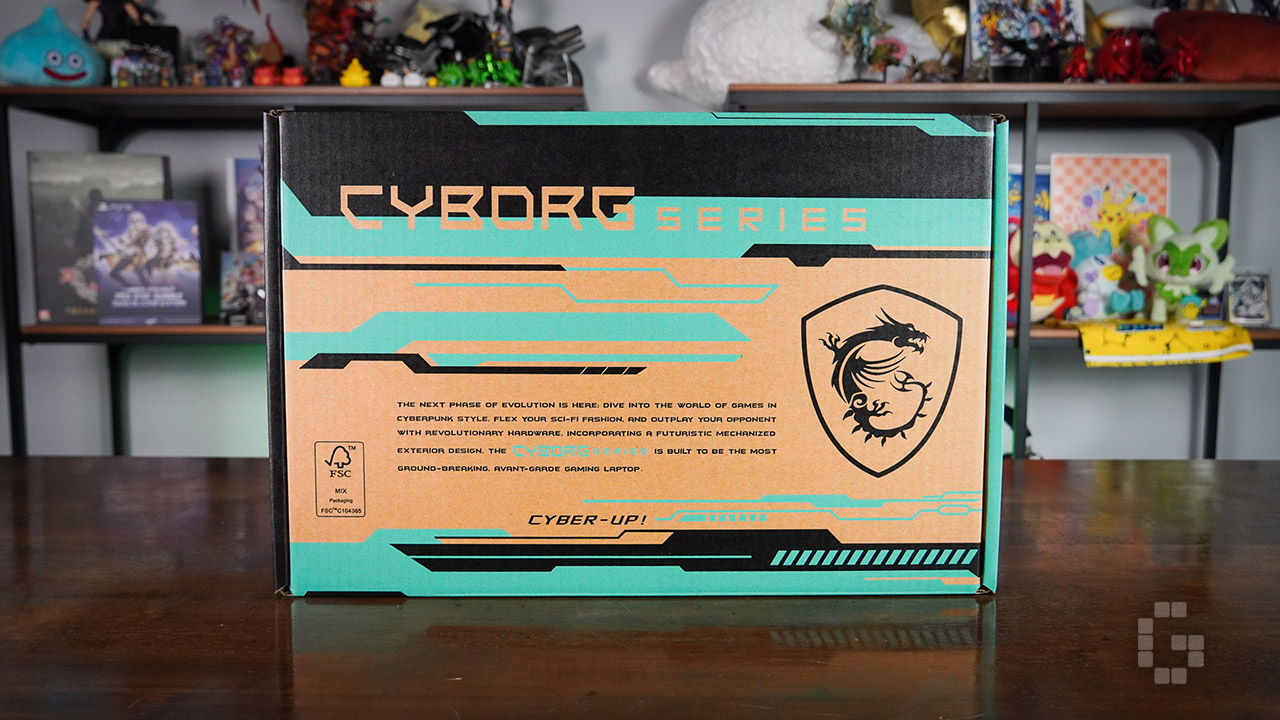
That said, given the performance gains over the previous generation and the amount of hardware packed into such a light chassis, the pros outweigh the cons. If you want a gaming laptop you can actually carry around without feeling weighed down, while still having enough power to play the latest games and get real work done, the MSI CYBORG 15 MAX is worth considering.