
![[EXCLUSIVE] Dragon’s Dogma 2: Dark Arisen Team Opens Up About the Expansion’s Name, New Norgan Region, and Performance Goals](https://cdn.gamerbraves.com/2026/07/Dragons-Dogma-2-Dark-Arisen_Interview_FI-360x180.jpg)











BrownDust2 now has a dedicated PC version available for download, giving players a new way to access the game outside of mobile and Google Play Games. The client can be downloaded directly from the official BrownDust2 website at browndust2.com. Players just need to click the Download PC Version button on the main page, run the installer file, and launch the game from the desktop shortcut once installation is complete.
Existing players can log in using the same account they use on Google Play Games or mobile, so all progress carries over without starting fresh. One thing worth noting for current Google Play Games users is that the existing client will have its icon renamed from BrownDust2 to BrownDust2 (GPG) to tell the two apart now that the standalone version is out.
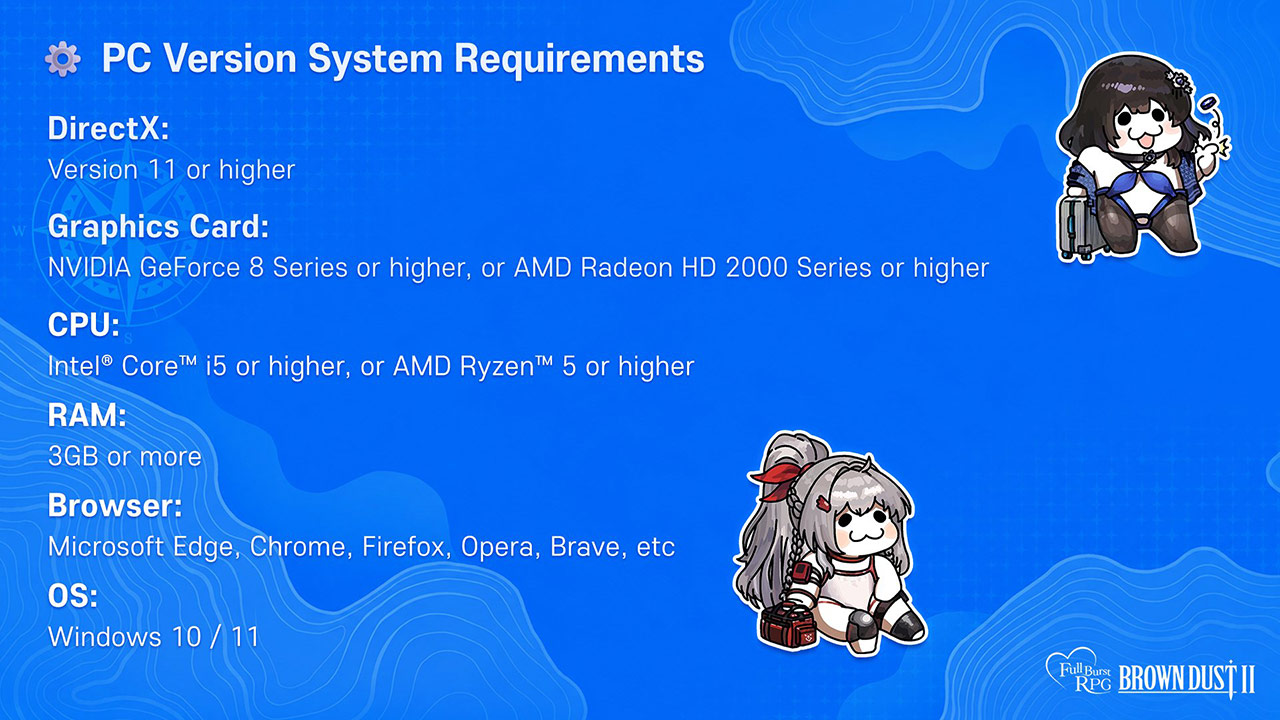
The PC client requires Windows 10 or 11, an Intel Core i5 or AMD Ryzen 5 processor or better, at least 3GB of RAM, and a graphics card that supports DirectX 11 or higher. On the GPU side, an NVIDIA GeForce 8 Series or AMD Radeon HD 2000 Series should be the minimum to run it. A supported browser such as Edge, Chrome, Firefox, Opera, or Brave is also needed.
Players should be aware of a few things when it comes to in-game purchases on the PC client. Payments go through the same system as the Web Shop (Xsolla or MyCard depending on region), but purchases made through the PC client are not counted as Web Shop purchases. This means Web Shop discount coupons and the mileage system do not apply to PC client transactions.
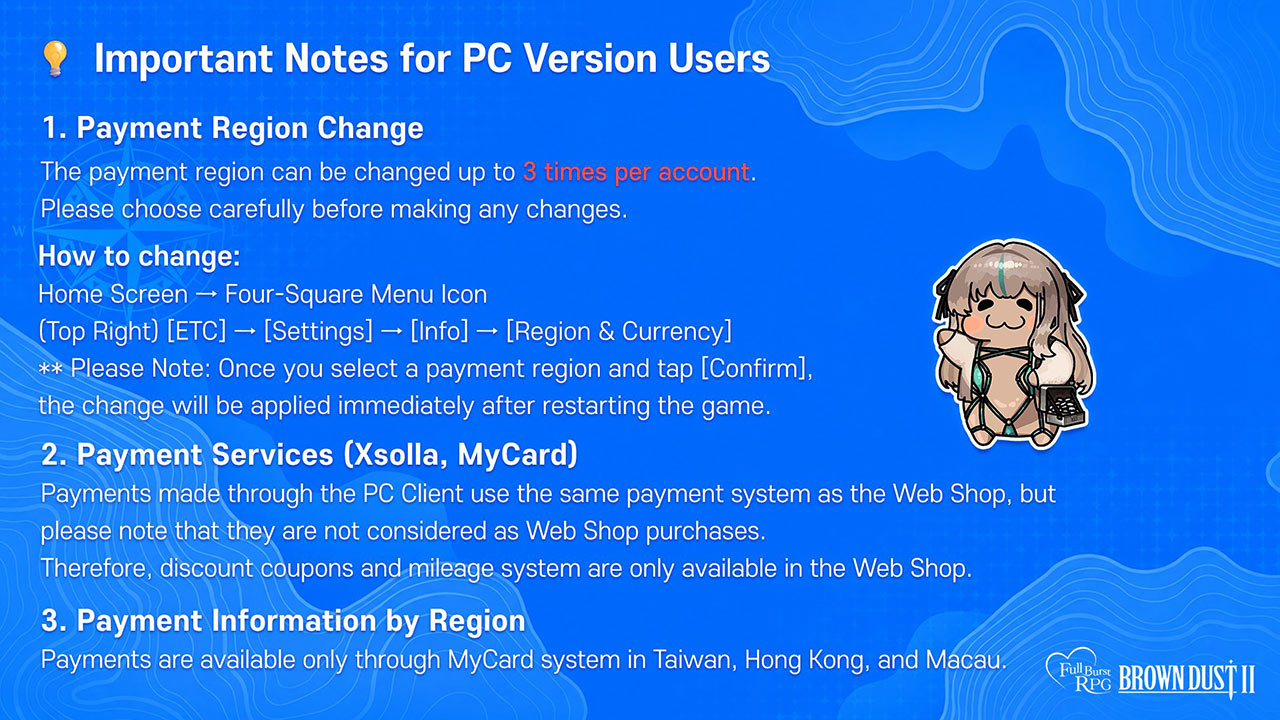
For players in Taiwan, Hong Kong, and Macau, payments are only available through MyCard. The game also allows players to change their payment region, but this can only be done up to three times per account.