















![[EXCLUSIVE] Beyond the Base Game: Cygames on What Endless Ragnarok Means for Granblue Fantasy: Relink](https://cdn.gamerbraves.com/2026/06/GBF-Relink-Endless-Ragnarok-Exclusive_Interview_FI-360x180.jpg)


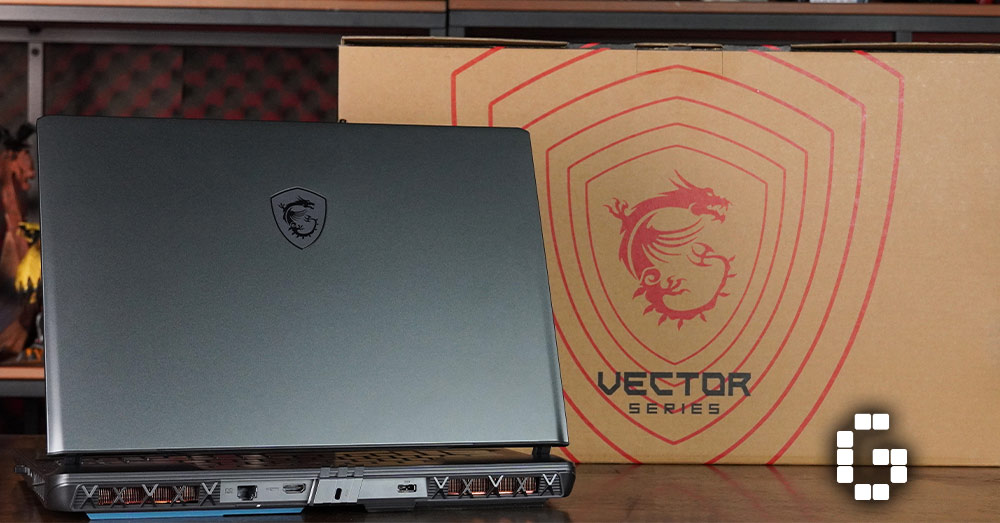
The MSI Vector 16 HX AI, a machine that blends practicality with serious power. Available in configurations like the A2XWHG-046MY model featuring an Intel Core Ultra 7 255HX and GeForce RTX 5070 Ti, or earlier variants with an Intel Core i9-13980HX and RTX 4070 Laptop GPU, the Vector 16 HX lineup is clearly aimed at gamers and creators who prioritize performance over flashy aesthetics.
Rather than chasing gimmicks, MSI focuses on what matters most: raw power, efficient thermals, and a display built for high-speed action. With prices starting under RM9,000, the Vector 16 HX delivers remarkable value for its class — whether you’re gaming, streaming, or tackling creative workloads.
Practical Design for Serious Users
MSI opted for a utilitarian chassis for the Vector 16 HX A13V, with a matte grey plastic exterior that favors function over form. Although the plastic body may seem modest, it feels solid and reliable. At 2.5kg, it has a solid build that matches the power it delivers.
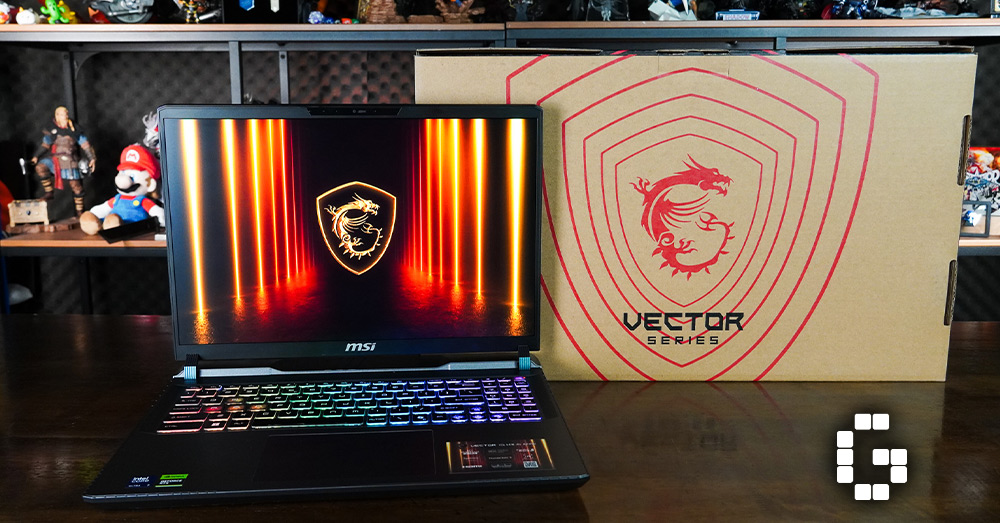
Moreover, the RGB-lit keyboard adds subtle personality without going overboard. You’ll also notice some display wobble when adjusting the screen, but thankfully, it’s nothing disruptive. MSI’s minimalist design approach focuses on durability and day-to-day usability, intentionally skipping the excess flair found in flashier models.
All the Ports You Need
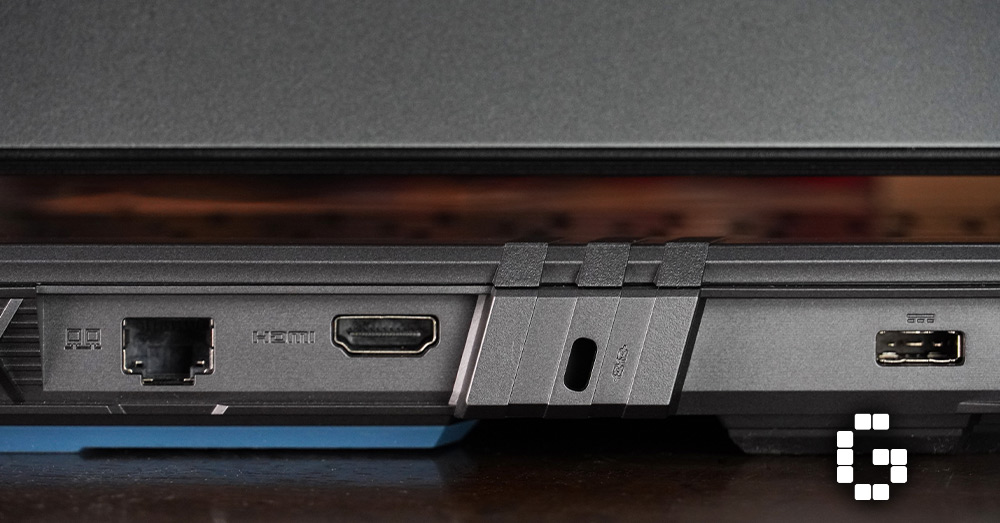
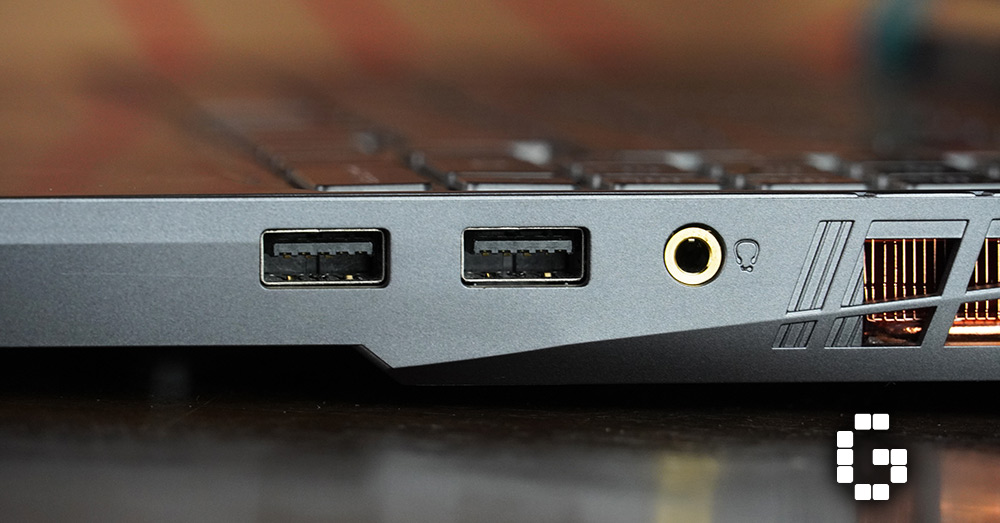
When it comes to connectivity, MSI provides a comprehensive range of ports. On the left side, you’ll find a Thunderbolt 4 port, a USB-C 3.2 Gen 2 (with DisplayPort and PD charging), HDMI 2.1, and an Ethernet jack. Meanwhile, the right side houses two USB-A ports and a 3.5mm combo jack.
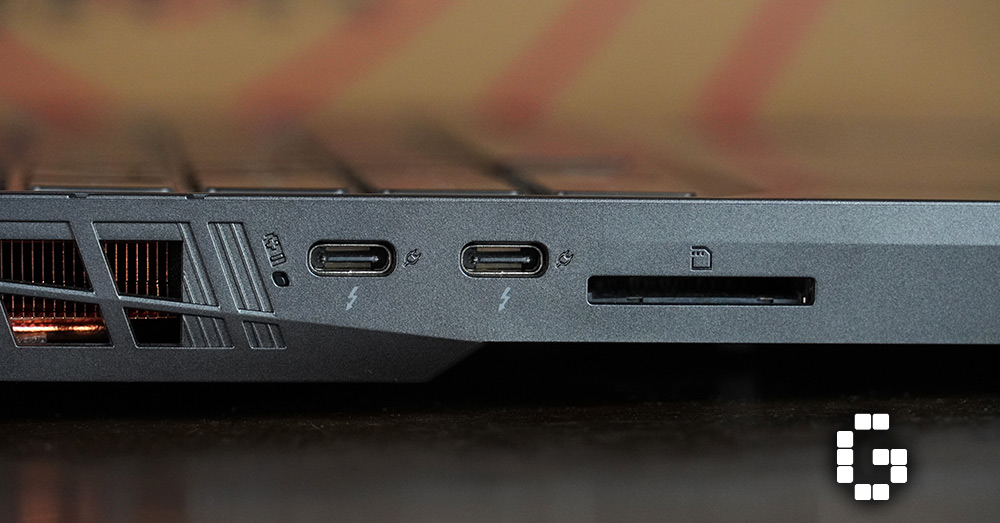
This setup makes it easy to connect displays, accessories, or charge the laptop with a compatible USB-C adapter. In particular, the inclusion of HDMI 2.1 is especially welcome for users who want to hook up to high-refresh 4K displays.
High Refresh QHD+ Display
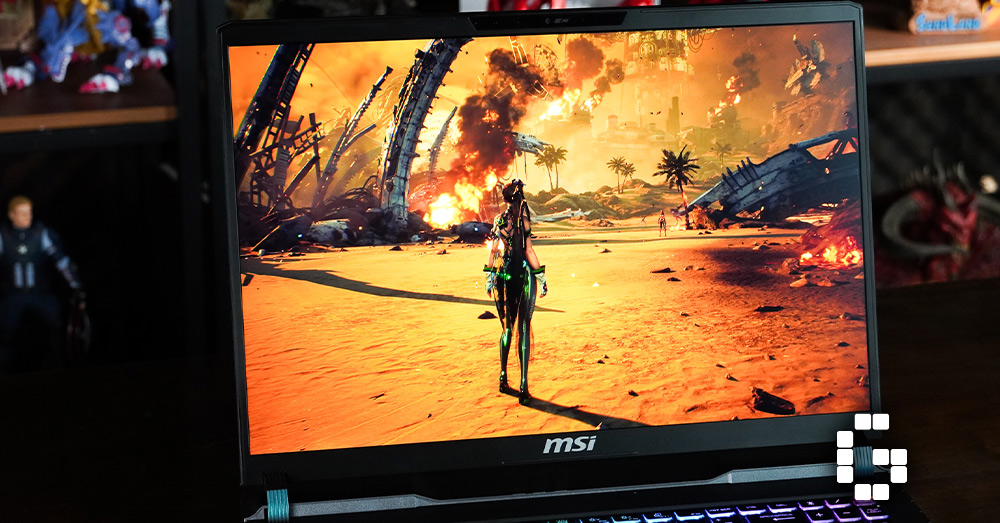
The 16-inch QHD+ (2560 x 1600) IPS-level screen offers sharp visuals and a silky-smooth 240Hz refresh rate. Not only does it cover 100% of the DCI-P3 color gamut, but it also reaches up to 500 nits of brightness, making it suitable for both gaming and content creation.
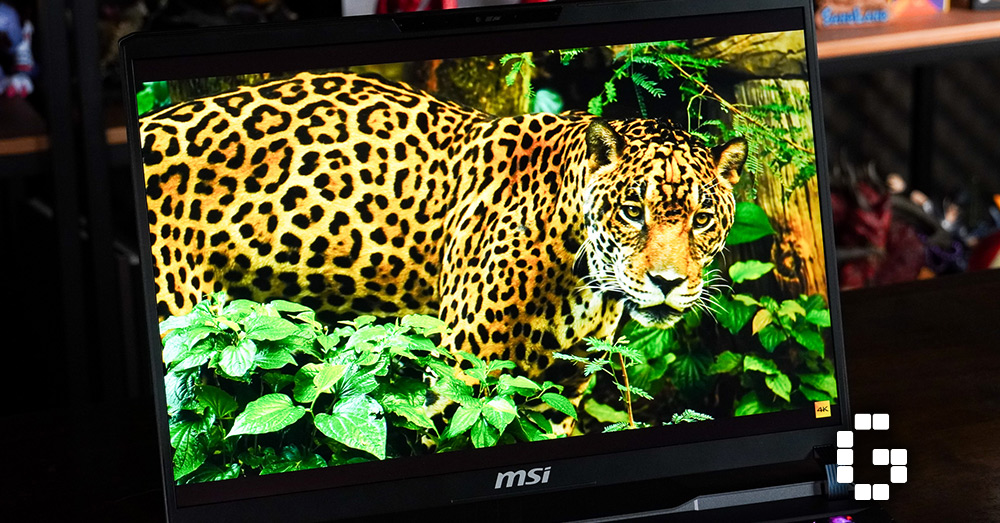
Thanks to the accurate colors and sharp resolution, games look fluid and immersive, while content editing remains precise. Additionally, slim bezels keep your attention on the action while maintaining a natural webcam placement.
Gaming and Performance
Armed with an Intel Core i9-13980HX CPU and NVIDIA GeForce RTX 4070 GPU, the Vector 16 delivers excellent real-world and benchmark performance. It scores 10,522 on 3DMark Time Spy (Graphics) and 16,218 (CPU), placing it among the top performers in its class.
Furthermore, Cinebench R23 results show that it excels in multi-core tasks, making it a great choice for creators who juggle demanding software. AAA games like Final Fantasy VII Rebirth run at 90 FPS on high settings. Likewise, Black Myth: Wukong hits between 80–100 FPS with ray tracing enabled, while Monster Hunter Wilds Beta performs reliably at 70–85 FPS.
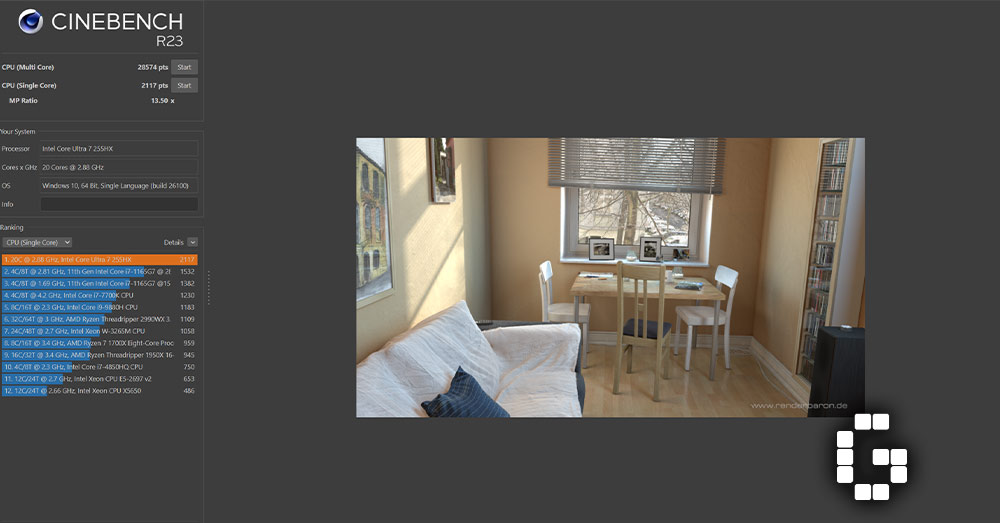
Notably, the Vector 16 HX A13V’s sibling configuration — featuring an Intel Core Ultra 7 255HX and RTX 5070 Ti — further demonstrates the platform’s scalability. Whether it’s intensive multitasking or demanding AAA games, it maintains smooth performance across the board.
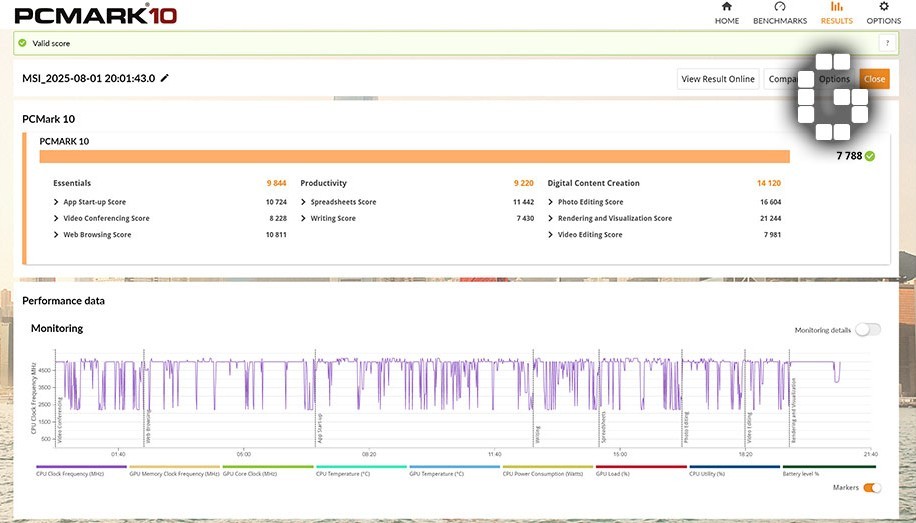
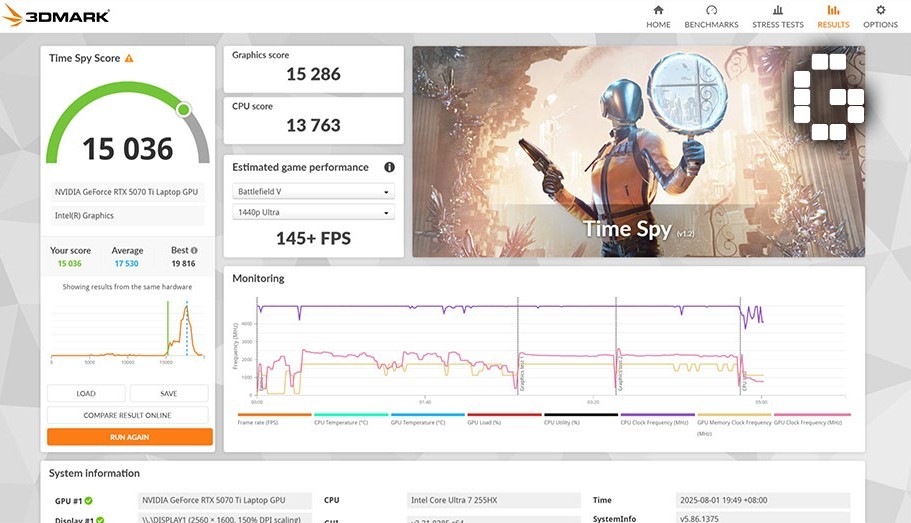
In PCMark 10, this variant scored a solid 7788, with standout results in essentials, productivity, and digital content creation. Additionally, 3DMark Time Spy returned a 15036 score, estimating over 145 FPS in Battlefield V at 1440p Ultra.
Real-world performance continues to impress with:
- Black Myth: Wukong – 140 FPS with DLSS and ray tracing (Very High settings)

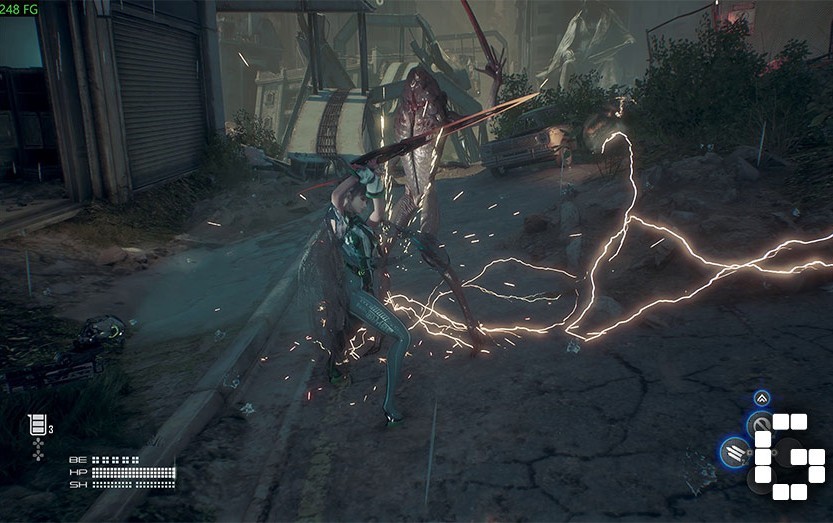
- Stellar Blade – 240 FPS with DLSS and frame generation
- Wuthering Waves – 110–115 FPS on Ultra High settings

To support such performance, the Cooler Boost 5 thermal system incorporates dual fans and six heat pipes. As a result, the laptop ensures stability without thermal throttling. Paired with a 330W power adapter, the system maintains consistent output even under pressure.
Thermals and Fan Noise
Fortunately, the cooling system holds up well even under sustained load. After 30 minutes of gaming, CPU temps hover around 87°C, while the GPU stays below 80°C. Fans ramp up noticeably but prevent throttling and maintain stable performance.
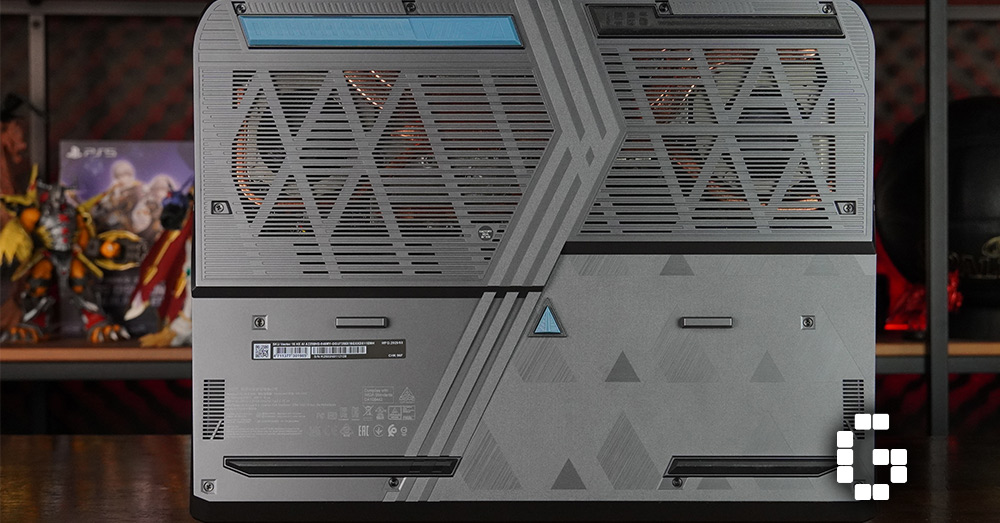
Admittedly, fan noise can be distracting during heavy use. However, it’s a fair compromise for the thermal efficiency achieved. For those gaming or rendering in longer sessions, this consistency proves crucial.
Battery Life and Power Delivery
Packing a 90Wh battery, the Vector 16 offers around 6 hours of casual use and about 2–3 hours during gaming. On the bright side, it supports fast charging via a 280W adapter, topping up to 70% in just an hour.
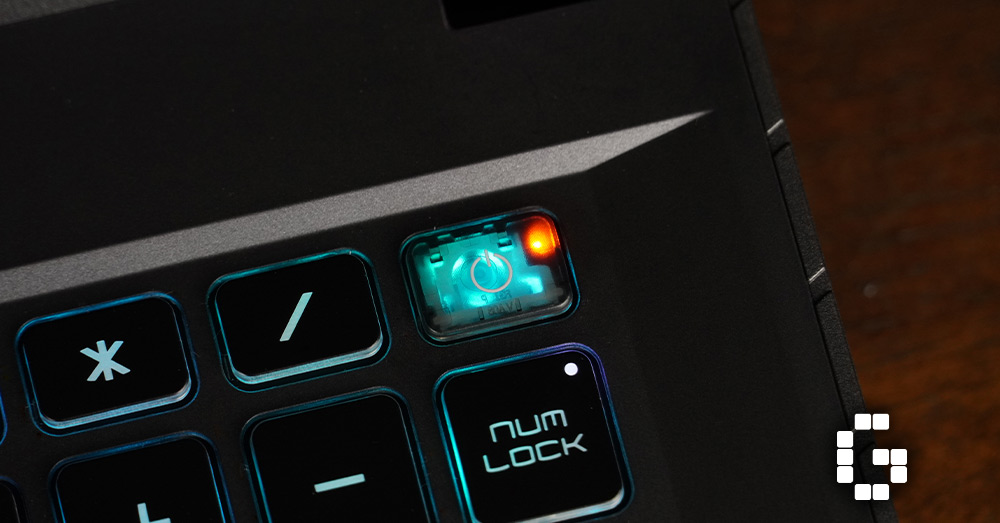
Granted, it’s not built for all-day unplugged use, but efficiency remains respectable considering the internals, making it suitable for hybrid work setups.
Subtle AI Enhancements
MSI Center includes AI-assisted cooling and performance tuning. These features help optimize fan speeds and power usage automatically, based on your current workload.
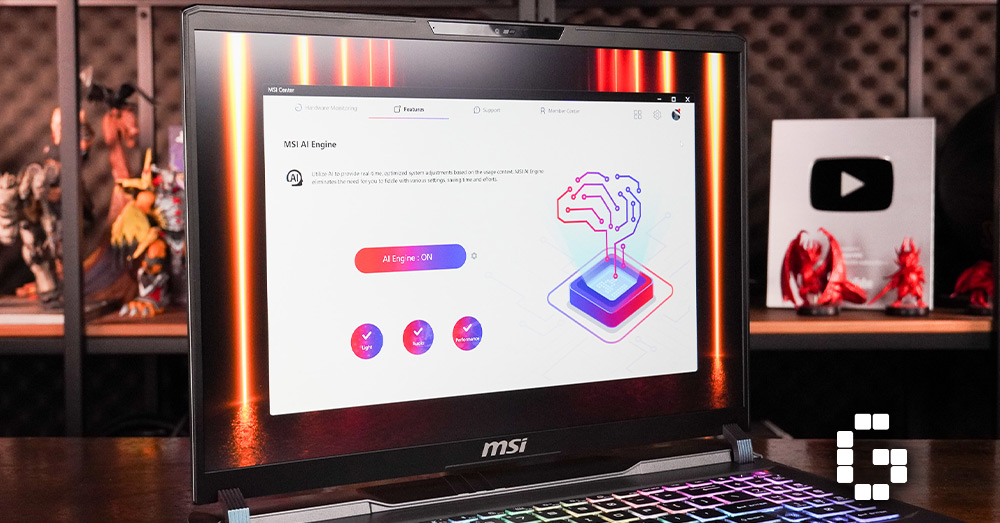
In addition, the laptop supports AI noise cancellation, which improves voice clarity during calls and streams. These quality-of-life additions, though subtle, show that MSI is integrating smart features without overhyping them.
Final Verdict
All things considered, the MSI Vector 16 HX A13V shines where it counts. It combines a high-refresh QHD+ display, powerful CPU and GPU, good thermals, and practical port options into a cohesive machine. While it may not be the flashiest option out there, it wins on substance and reliability — plus, MSI offers a couple of sizes and configurations to suit different user needs.
For gamers, content creators, or students in media fields, this is a strong contender—particularly if you prefer performance over flair. Aside from noticeable fan noise and a somewhat bulky frame, it’s a balanced device that prioritizes the essentials without cutting corners.